How to change data source connections in Power BI
Step 1:
Open Power BI desktop

Step 2:
Go to files, select options and settings

Step 3:
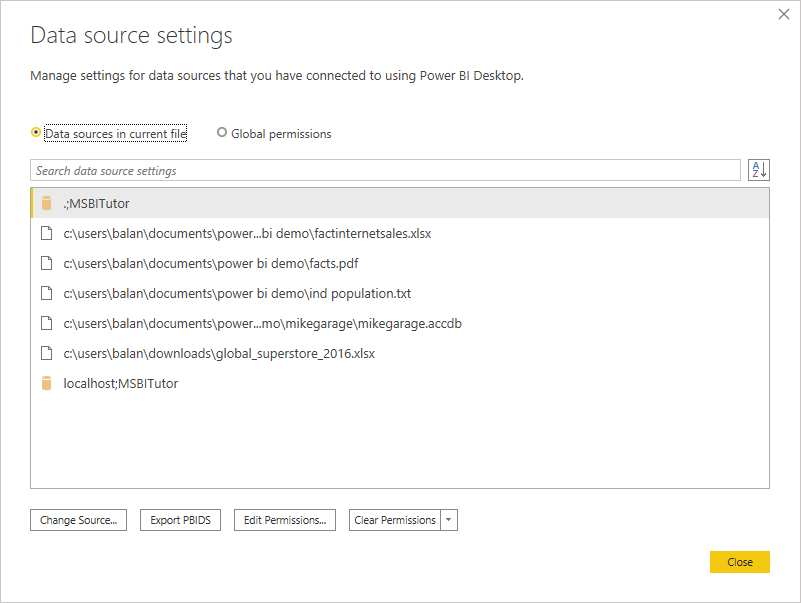
Here we can change data source connections to global permissions from data source in current file and vise versa

Step 4:
Edit credentials

Change privacy level of data source

Really good information to show through this blog. I really appreciate you for all the valuable information that you are providing us through your blog.
ReplyDelete